FRP
ALL Motorola FRP Bypass Android 15/16 | Skip Google Lock

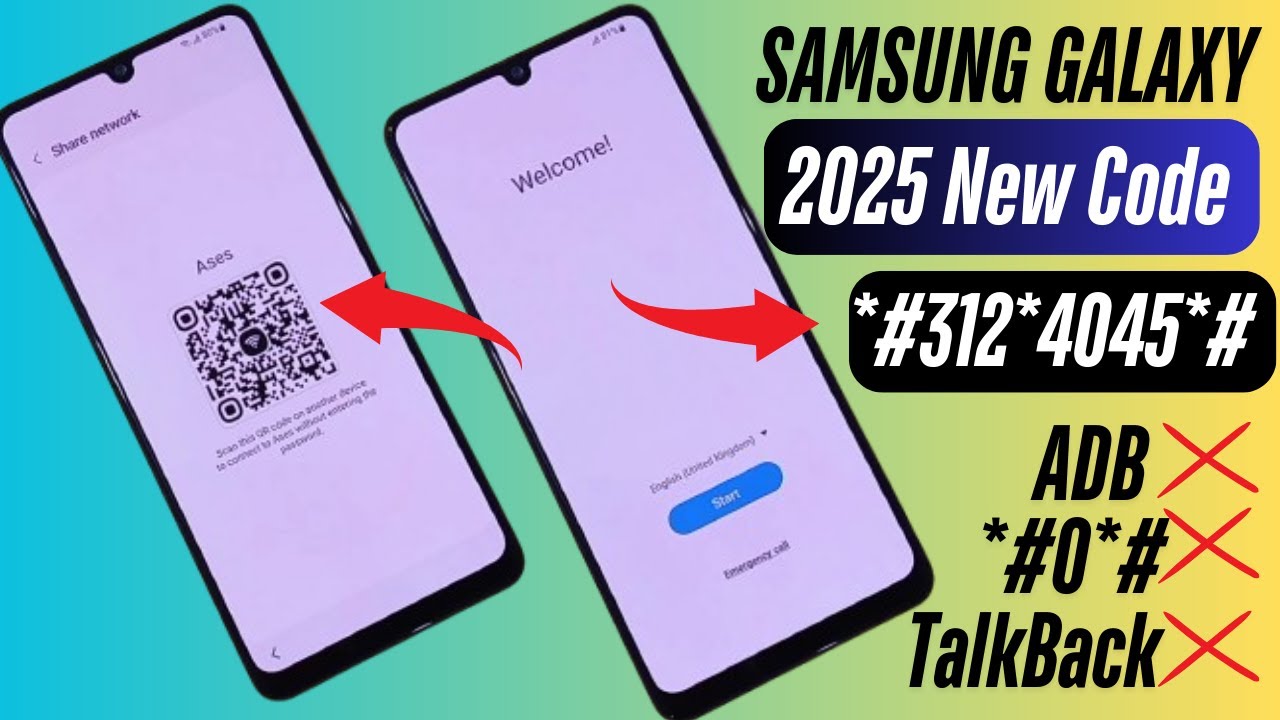
In this post, I will discuss how to get Samsung FRP tools for PC. These tools function beautifully in the FRP lock subject, and each of the tools listed below has unique capabilities and the capacity to overcome the FRP lock. So, to reset FRP, download FRP Unlock tool and follow our easy steps.
ALL Motorola FRP Bypass Android 15/16 | Skip Google Lock Without PC 100% Worked
#Motorola #FRP #Bypass #Android #Skip #Google #Lock
“FRP MAX”
Unlock your Motorola phone easily with this latest working method in ALL Motorola FRP Bypass Android 15/16 | Skip Google Lock Without PC 100% Worked. In this video, you will learn how to bypass Google account verification on Motorola devices running Android 15 and Android 16 with the latest…
source
Another method for FRP
The only method to deactivate a Samsung account from a phone without a password is to contact Samsung to locate and delete the account. If you wish to begin the procedure on your Samsung phone, follow the comprehensive instructions below.
- Unlock your phone, then launch the Samsung phone settings app from the app drawer.
- Scroll down until you see "Cloud and Accounts." Also, on the next page, select the "Accounts" tab.
- Then, from the choices, select "Samsung Accounts" and then "My profile." When prompted to enter your email address and password on the account screen, select "Forgot your ID and Password." A popup will appear on the screen; from there, select your preferred browser.
- A prompted browser prompts you to enter your ID and password, as well as your email address. After that, Samsung will send you an email with a link to reset your password.
- Return to your Samsung account settings and select "Remove Account" from the top-right menu bar.
To see the full content, share this page by clicking one of the buttons below |