FRP
Moto/Motorola FRP Bypass 2025-2026 — Remove FRP Android

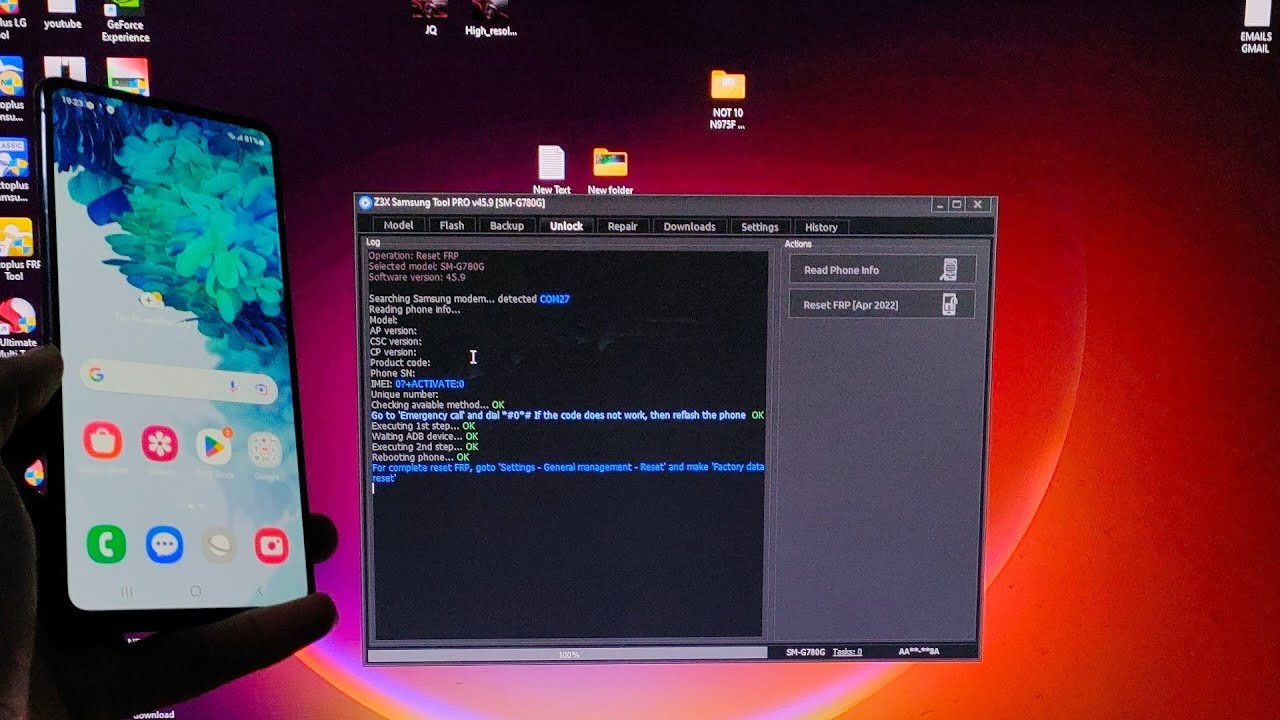
In this post, I will discuss how to get Samsung FRP tools for PC. These tools function beautifully in the FRP lock subject, and each of the tools listed below has unique capabilities and the capacity to overcome the FRP lock. So, to reset FRP, download FRP Unlock tool and follow our easy steps.
Moto/Motorola FRP Bypass 2025-2026 — Remove FRP Android 14/15 Without PC (Step-by-step) guides
#MotoMotorola #FRP #Bypass #Remove #FRP #Android
“Alam Mobile ”
Moto/Motorola FRP Bypass 2025-2026 — Remove FRP Android 14/15 Without PC (Step-by-step) guides Your Quries: Settings …
source
Another method for FRP
The only method to deactivate a Samsung account from a phone without a password is to contact Samsung to locate and delete the account. If you wish to begin the procedure on your Samsung phone, follow the comprehensive instructions below.
- Unlock your phone, then launch the Samsung phone settings app from the app drawer.
- Scroll down until you see "Cloud and Accounts." Also, on the next page, select the "Accounts" tab.
- Then, from the choices, select "Samsung Accounts" and then "My profile." When prompted to enter your email address and password on the account screen, select "Forgot your ID and Password." A popup will appear on the screen; from there, select your preferred browser.
- A prompted browser prompts you to enter your ID and password, as well as your email address. After that, Samsung will send you an email with a link to reset your password.
- Return to your Samsung account settings and select "Remove Account" from the top-right menu bar.
To see the full content, share this page by clicking one of the buttons below |


Thats Purew Clickbait doesnt work at all! He is using an already unlocked smartphone! thetreÄ'sa no lock sign on the screen!
Motu patalu khana khata hai
Done❤
Todos tus videos son falsos ni pierdan el tiempo todavía no hay nada para Motorola android 15 parche 1 de septiembre o 1 de octubre así que a esperar a noviembre finales o diciembre
The owner must be receiving emails every time I try to log in, and if he doesn't block it, he's doing it to create coincidences.
Or perhaps there's a reset button on the motherboard that you can press to access a specific point.
emei 355199402301031 Even when I turn it on, the screen is still black, but it won't let me finish Android setup; it just goes back to its locked state. The only thing left for me to do is restore it with the software to see if I can remove it from the memory the Google account
I did something, but at one point it memorized the other Wi-Fi network and returned to its previous state.
Tretas
Where Motorola edge 2025
Totally fake, as all your videos!
❤❤❤❤❤
Thanks sir
Thank you
❤❤❤❤ thanxxxx