APK FRP
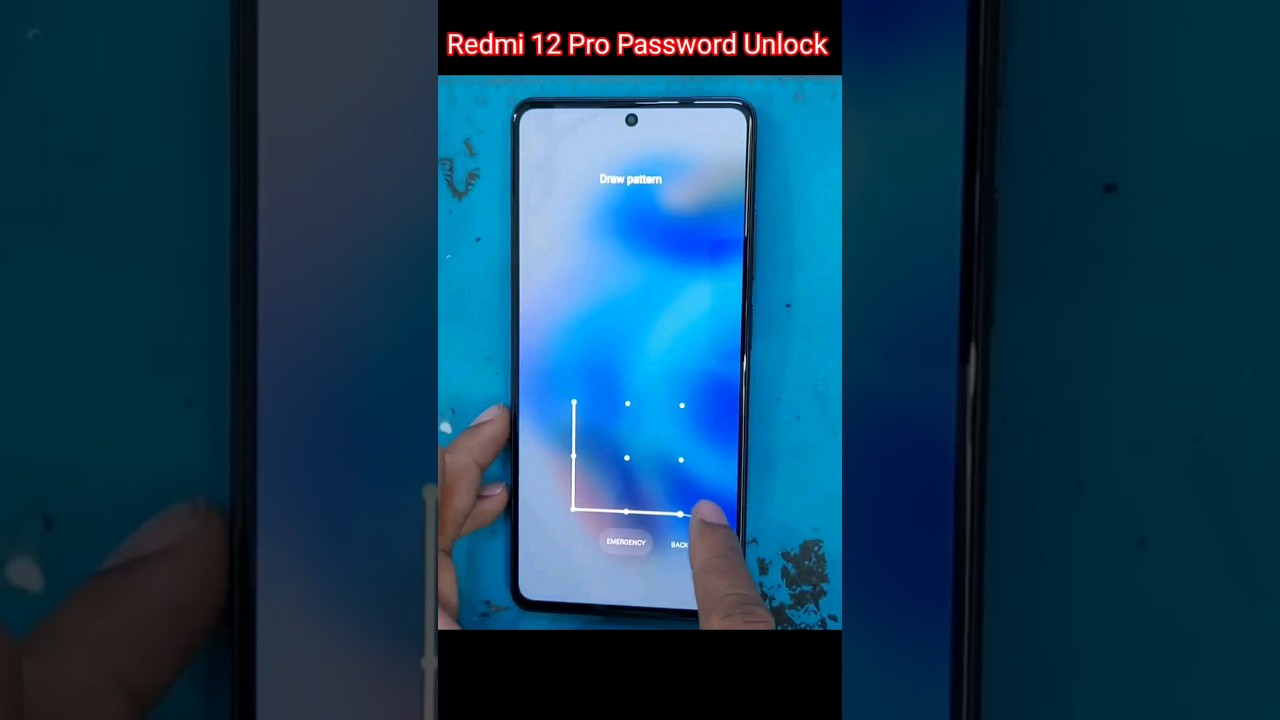
Xiaomi Redmi 9T/Poco M3 Reset Google Account. Free

In this post, I will discuss how to get Samsung FRP tools for PC. These tools function beautifully in the FRP lock subject, and each of the tools listed below has unique capabilities and the capacity to overcome the FRP lock. So, to reset FRP, download FRP Unlock tool and follow our easy steps.
Xiaomi Redmi 9T/Poco M3 Сброс Аккаунта Гугл. Бесплатный метод. Без ПК! Android 12. Обход Аккаунта
#Xiaomi #Redmi #9TPoco #Reset #Google #Account #Free
“ValeriUs”
Our working phone number is 89305555605 Telegram ————- Welcome to the channel…
source
Another method for FRP
The only method to deactivate a Samsung account from a phone without a password is to contact Samsung to locate and delete the account. If you wish to begin the procedure on your Samsung phone, follow the comprehensive instructions below.
- Unlock your phone, then launch the Samsung phone settings app from the app drawer.
- Scroll down until you see "Cloud and Accounts." Also, on the next page, select the "Accounts" tab.
- Then, from the choices, select "Samsung Accounts" and then "My profile." When prompted to enter your email address and password on the account screen, select "Forgot your ID and Password." A popup will appear on the screen; from there, select your preferred browser.
- A prompted browser prompts you to enter your ID and password, as well as your email address. After that, Samsung will send you an email with a link to reset your password.
- Return to your Samsung account settings and select "Remove Account" from the top-right menu bar.
To see the full content, share this page by clicking one of the buttons below |


Пофиксили. Не работает эта тема. Удалили из строки поиска delete, disable. Да и вообще не попасть в удаление приложений через эти настройки
Зашёл в настройки и задал пароль экрана, и вышел на первоначальный экран, ввел новый пароль экрана и все, спасибо большое
Помогите пожалуйста
Сбасибо очень помог
Не помогло
Не помогло но нашел решение sm tool через теспоинт
не работает на poco m3
спасибо большое)))) получилось
У вас ест номир ватсап
Как можна откирит 14 версия 9т
1:30 после жеста "вправо и вверх" говорит, что "во время настройки голосовые команды недоступны" и чё дальше теперь делать?
Благодарю, совместила данный метод с Активити Лаунчер! Все получилось!